
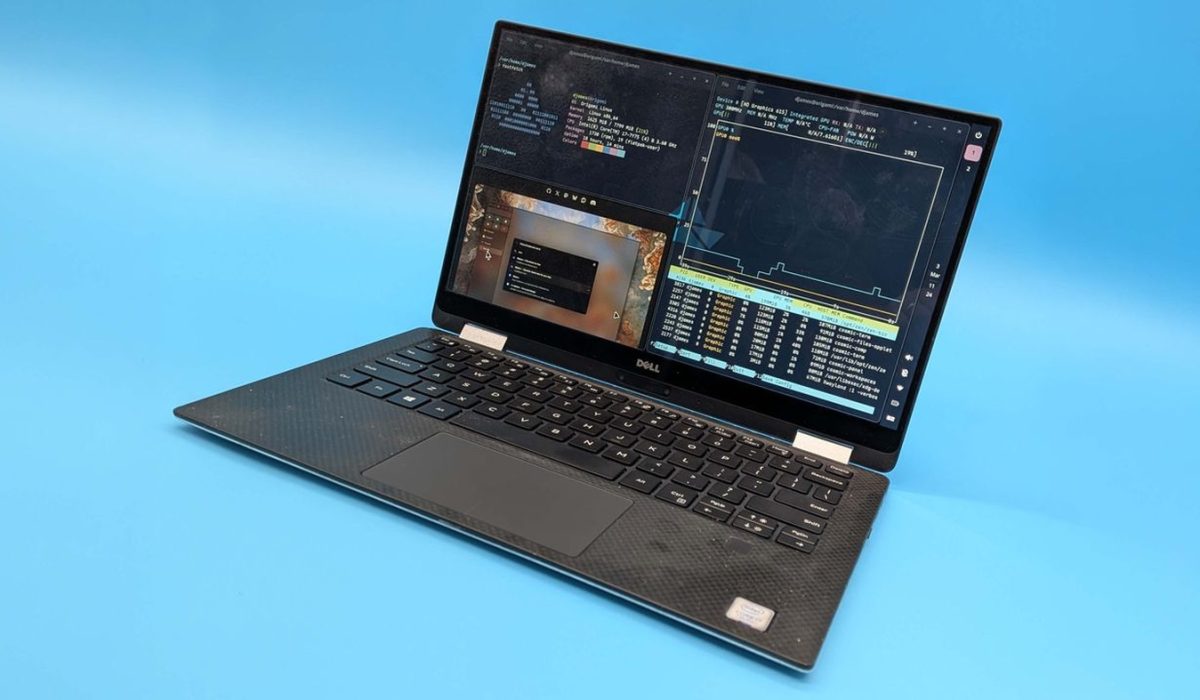
With the increasing popularity and accessibility of Linux, many users are discovering the potential to breathe new life into aging hardware. One user recently recounted their experience of reviving a ten-year-old laptop, long abandoned under Windows, by leveraging the power and flexibility of Linux.
The Challenge of Aging Hardware
The laptop in question was originally sidelined due to obsolescence and performance issues under Windows. Over time, software updates and system demands outpaced the device’s capabilities, making it impractical for everyday use. The slow performance and frequent crashes led to the laptop being relegated to storage.
This common scenario reflects a broader issue where older devices are often discarded or left unused because mainstream operating systems no longer support or efficiently run on them. Users face challenges such as incompatible drivers, bloated software, and security vulnerabilities that exacerbate the decline of older hardware.
Choosing Linux as a Solution
Linux offers a lightweight and customizable alternative to traditional operating systems, making it a suitable option for older machines. The wide variety of Linux distributions allows users to select versions designed specifically for low-resource environments.
In this instance, selecting an appropriate distribution was crucial. Options favored for their efficiency and support for legacy hardware include distributions like Linux Mint, Lubuntu, or Puppy Linux. These systems deliver a balance of functionality, security, and performance without overburdening outdated components.
Installation and Configuration Process
Installing Linux on an aged laptop involves careful preparation, including backing up any remaining important data and creating bootable media. The process can be technical but is well-documented by the Linux community, providing ample resources for troubleshooting.
Post-installation steps often include configuring drivers, setting up software repositories, and customizing the user interface to optimize responsiveness. This hands-on approach not only enhances system performance but also grants users greater control over their machine’s capabilities.
Practical Benefits of Resurrecting Old Devices
Reviving old laptops with Linux brings several advantages, including cost savings by avoiding the purchase of new hardware. It also promotes sustainability by reducing electronic waste and extending the usable life of technology.
For users, these machines can then serve as dedicated devices for tasks such as browsing, document editing, programming, or media consumption. This practical reuse exemplifies how open-source solutions can empower individuals to maximize the value of their existing resources.
Community Support and Resources
The thriving Linux community plays a pivotal role in facilitating hardware resurrection. Online forums, tutorials, and support groups provide invaluable assistance to newcomers and seasoned users alike.
This communal knowledge base encourages experimentation and learning, making Linux an accessible option for users looking to revisit or repurpose older computers. The collaborative nature also fosters innovation in optimizing systems for a wide range of hardware configurations.